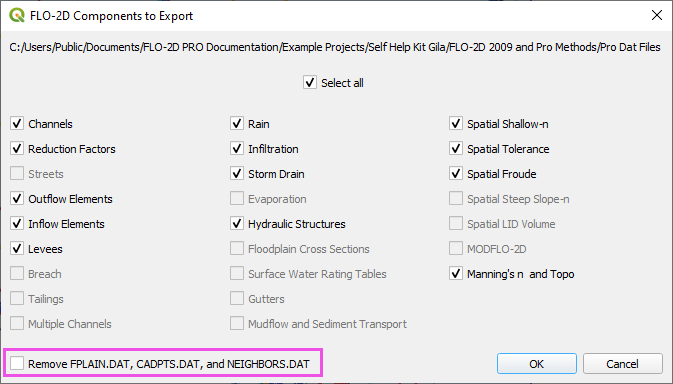
Export data (*.DAT) files
This tool exports the FLO-2D *.DAT files.
Export FLO-2D *.DAT Files
Note
Set the Control Variables switches before running the Export tool. See Set Control Parameters (CONT.DAT).
Click the Export data (*.DAT) files button.
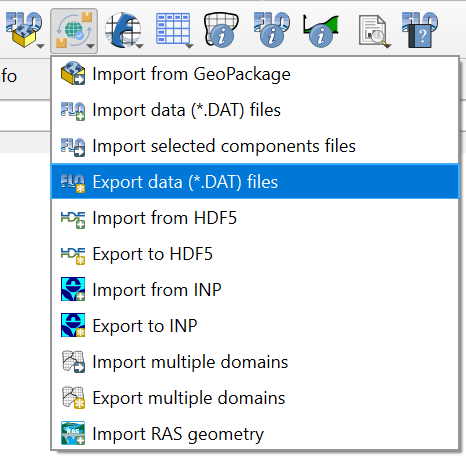
Navigate to the project folder and click Select Folder.
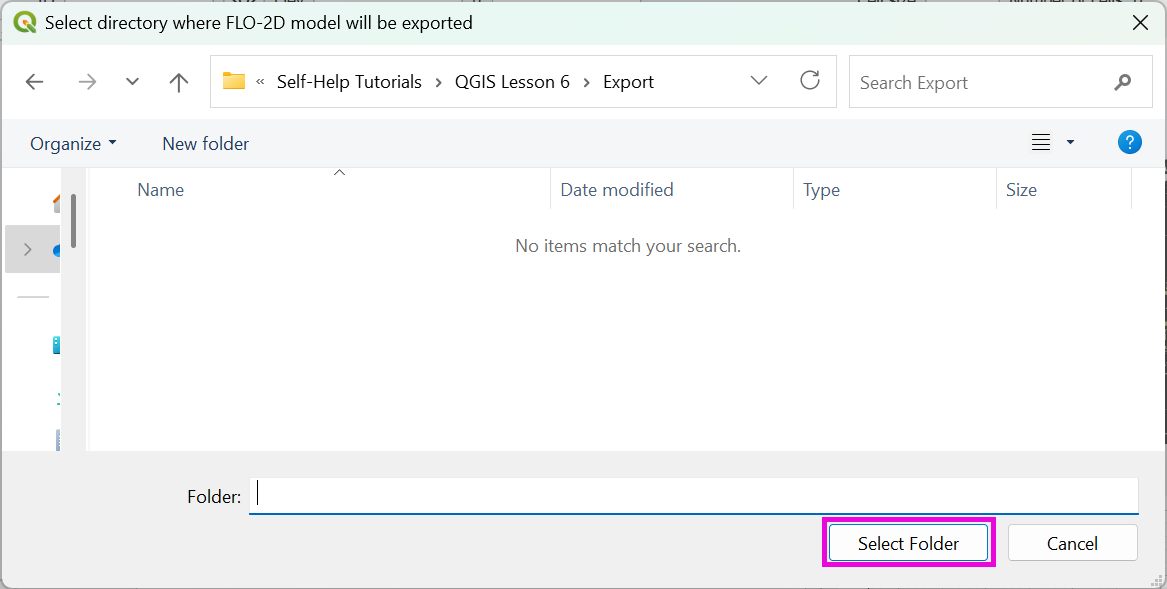
Select the components that will be exported by checking or unchecking the files to be exported and click OK.
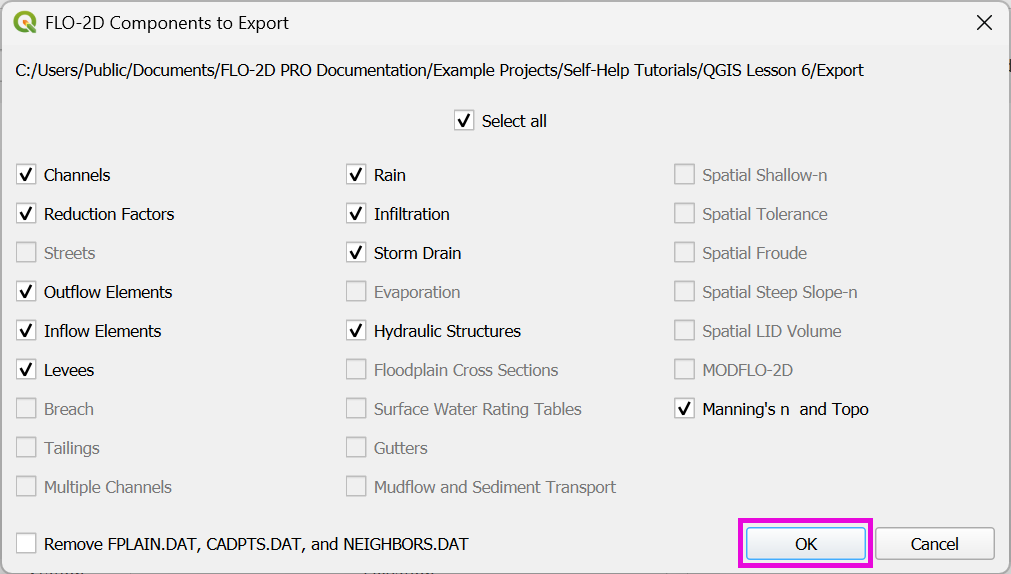
Note
It is not necessary to export all files every time. Export large files like INFIL.DAT or TOPO.DAT only when needed.
Troubleshooting
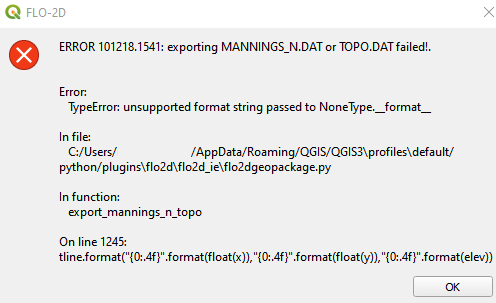
If data is missing from the grid table, this message will appear. This occurs when the elevation raster, roughness polygon, or roughness raster does not fully cover the grid. Check the grid attributes for NULL values.
If a component switch is off, an action is taken to correct the switch position using the Export dialog box. The following short video demonstrates how the export action works.
Export warning
Warning
If you commonly export to the same folder, the Remove FPLAIN.DAT, CADPTS.DAT, and NEIGHBOR.DAT option may be active. Enable this option if changes were made to grid shape, size, elevation, or roughness. Otherwise, the FLO-2D engine will read existing files.